

|
PDFoo Overview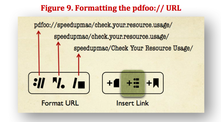
Shows how to set up PDFoo to manage your PDF collection, and drag out pdfoo:// URLs to table of contents, text and annotations in the PDF (13 pages, 4.4MB PDF.)
|
|
PDFOutliner New Features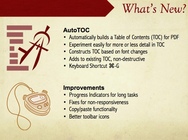
Explains AutoTOC - the ability to automatically create TOC entries; keyboard shortcuts, and describes scenarios in which PDFOutliner is useful (4 pages, 1.7MB PDF.)
See also a video on how to use printed page numbers (3 min.) |
PDFOutliner Quick Start Tutorial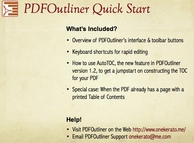
Shows how to add a TOC to a PDF from scratch - both manually and using AutoTOC (13 pages, 2.8MB PDF.)
|

|
PDFExplode Overview
Explains usage scenarios, and tips for common tasks such as extracting all chapters in a PDF (5 pages, 1.5MB.)
|
PDFExplode Quick Start Tutorial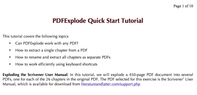
Shows how to explode all chapters from a 450-page PDF (10 pages, 3.5MB.)
|
|
|